Setting up storage areas in the outlet
Click Storage from the entity settings menu options to start setting up storage areas at the outlet, and integrated with the QRkey systems. Outlets may have one or more storage areas depending on their type and size of operations. Some outlets store their inventory in the kitchen. Others, however, may store a part of their inventory in dedicated storage sections and shift inventory to the kitchen in batches as per requirement. Either way, creating storage areas will help manage your inventory and stock movements better and avoid leakages. You can set up your storage as per your outlet operational requirements.
note
Kitchen is a storage section as well.
- Start by clicking the
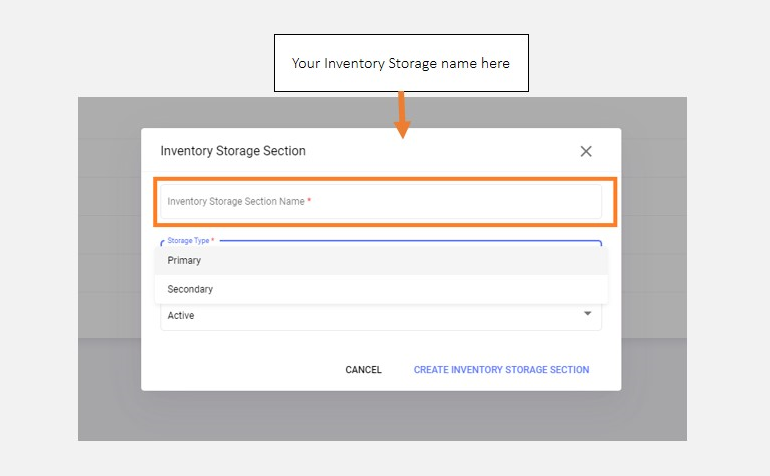
+add button on your screen - You can give a name of your choice to the storage areas you create and categorize them as primary or secondary storage areas
note
As a default logic, all consumption and inventory-related stock calculations consume items from the primary storage only. The secondary storage can be utilized only to store and move stock to the primary storage.
caution
Setting up stock and inventory management is dependent on storage creation. You will not be able to proceed with setting up inventory management unless you have your storage sections created here.