Setting up various order sources/channels for the outlet
An outlet could be receiving home delivery and takeaway orders through various channels including aggregators like Swiggy and Zomato. The kitchen and the packaging staff needs to be aware of the actual source of orders because a lot including the type of packaging, service of accompaniments etc. are different for different sources of orders. E.g. packaging standards followed by Swiggy may be different from that followed by Zomato.
In this segment, we will be creating and customising the various sources/channels from which the outlet may receive orders from.
Click Order Source from the entity settings menu options to start setting up sources/channels from which an order may be placed with the outlet, and integrated with the QRkey systems. Outlets may have different order sources depending on their work associations and type of operations.
- Click the
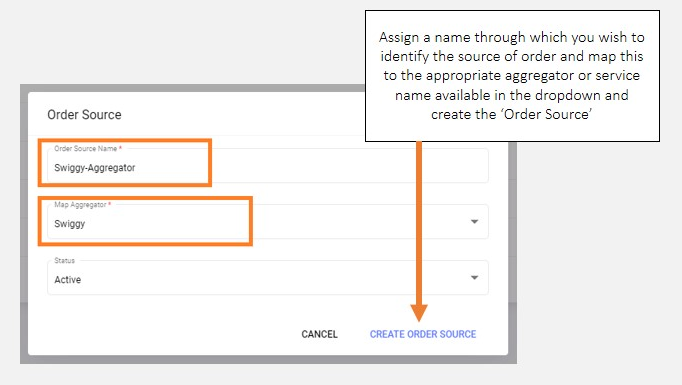
+add button on your screen - Assign a source name to this source category and select the aggregator mapping from the drop-down list
E.g. Naming orders received from Swiggy as
Aggregator-SwiggyOrSwiggy-Packagingis possible in this segment - Mark the order source active and click
Create Order Source